
 By obnoxioussloth91
In today’s fast-paced work environment, staying organized and focused can make the difference between success and burnout. Whether you’re managing multiple projects, collaborating with teams, or simply trying to make the most of your day, the right productivity tools can transform the way you work. Here’s a list of the best productivity apps for professionals that help streamline tasks, improve focus, and boost efficiency.
1. Notion – All-in-One Workspace
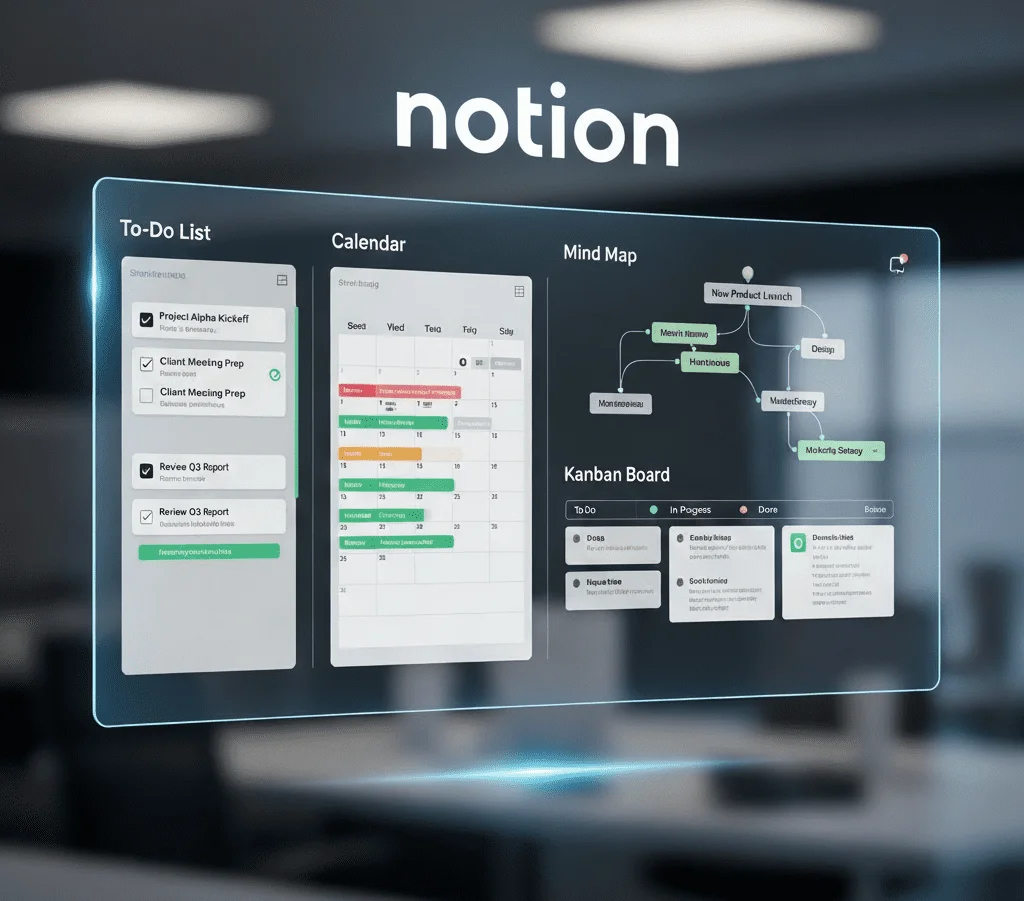
Notion has become a favorite among professionals because of its incredible flexibility. It’s not just a note-taking tool; it’s an all-in-one platform where you can create to-do lists, databases, wikis, calendars, and project dashboards.
Key features:
- Customizable templates for tasks, meetings, and projects
- Real-time collaboration with team members
- Integration with tools like Google Drive, Slack, and Trello
Whether you’re a freelancer managing multiple clients or part of a large team, Notion helps keep everything organized in one place. Its clean interface and versatility make it perfect for both personal and professional use.
2. Trello – Visual Project Management
For professionals who prefer a visual approach to productivity, Trello is a game-changer. It uses boards, lists, and cards to help you manage tasks and projects in a simple, intuitive way.
Key features:
- Drag-and-drop task management
- Labels, due dates, and checklists for clarity
- Power-Ups (integrations) with tools like Slack, Google Calendar, and Jira
Trello is excellent for project planning, team collaboration, and tracking progress. Its visual layout makes it easy to see what’s done, what’s in progress, and what needs attention.
3. Todoist – Task Management Simplified

Todoist is one of the most popular to-do list apps for professionals who want to keep their daily tasks under control. It’s known for its clean design and powerful features that make task management effortless.
Key features:
- Recurring tasks and reminders
- Priority levels and labels for better organization
- Integration with email, calendars, and voice assistants
With Todoist, you can break down big goals into manageable tasks, set deadlines, and track your productivity through built-in reports. It’s perfect for professionals who value structure and focus.
4. Slack – Team Communication Hub
Communication plays a crucial role in productivity, especially in professional settings. Slack has revolutionized the way teams communicate by providing a centralized, organized platform for discussions.
Key features:
- Channels for different projects, teams, or topics
- File sharing and integration with tools like Google Drive and Zoom
- Searchable message history for easy reference
Instead of endless email threads, Slack allows real-time messaging, quick decision-making, and smoother collaboration. Whether you’re working remotely or in-office, it helps keep everyone on the same page.
5. Google Calendar – Smart Scheduling

When it comes to managing time, Google Calendar remains a must-have tool for professionals. It’s more than just a scheduling app — it’s a strategic planner that helps you organize your day efficiently.
Key features:
- Shareable calendars for team coordination
- Color-coded events for clarity
- Syncing across all your devices
You can set reminders, schedule recurring events, and even integrate Google Calendar with productivity tools like Trello and Slack. It’s ideal for keeping track of meetings, deadlines, and personal commitments in one place.
6. Evernote – Capture and Organize Ideas
Evernote is perfect for professionals who deal with a lot of information, ideas, or documents. It lets you capture notes, images, audio, and web clippings and organize them in notebooks for easy access.
Key features:
- Advanced search and tagging system
- Document scanning and attachment support
- Sync across multiple devices
Whether you’re brainstorming a project, attending meetings, or storing research, Evernote ensures you never lose important information again.
7. RescueTime – Focus and Time Management
If you want to understand where your time really goes, RescueTime is a powerful tool. It runs in the background and provides detailed insights into how you spend your time on different apps and websites.
Key features:
- Automatic time tracking
- Productivity reports and goal setting
- Focus mode to block distractions
For professionals looking to boost productivity, RescueTime helps identify time-wasting habits and create better work patterns.
8. Asana – Advanced Project Tracking
For teams managing complex projects, Asana is a robust tool that helps keep everything organized and on schedule. It’s designed for professional project management, making it ideal for businesses, startups, and agencies.
Key features:
- Task dependencies and timelines
- Team collaboration and file sharing
- Integration with popular tools like Slack and Google Workspace
With Asana, you can break down projects into actionable steps, assign responsibilities, and monitor progress visually.
Final Thoughts
Choosing the right productivity apps depends on your work style and professional needs. Some people thrive with a simple task manager like Todoist, while others need a full project management system like Asana or Trello. Communication tools like Slack and scheduling apps like Google Calendar keep teams coordinated and efficient.
By integrating a few of these apps into your daily workflow, you can save time, stay organized, and boost overall productivity. Start by picking one or two tools, master their features, and gradually build a productivity system that works best for you.